For a walk-in business, your Google listing works like a front door. Most new customers see it before they ever see your shop, and many decide whether to come over based on one line: open or closed.
Here’s a five-minute check you can do from your phone. Open your Business Profile (search your business name on Google while signed in, or use the Google Maps app) and go through each item.
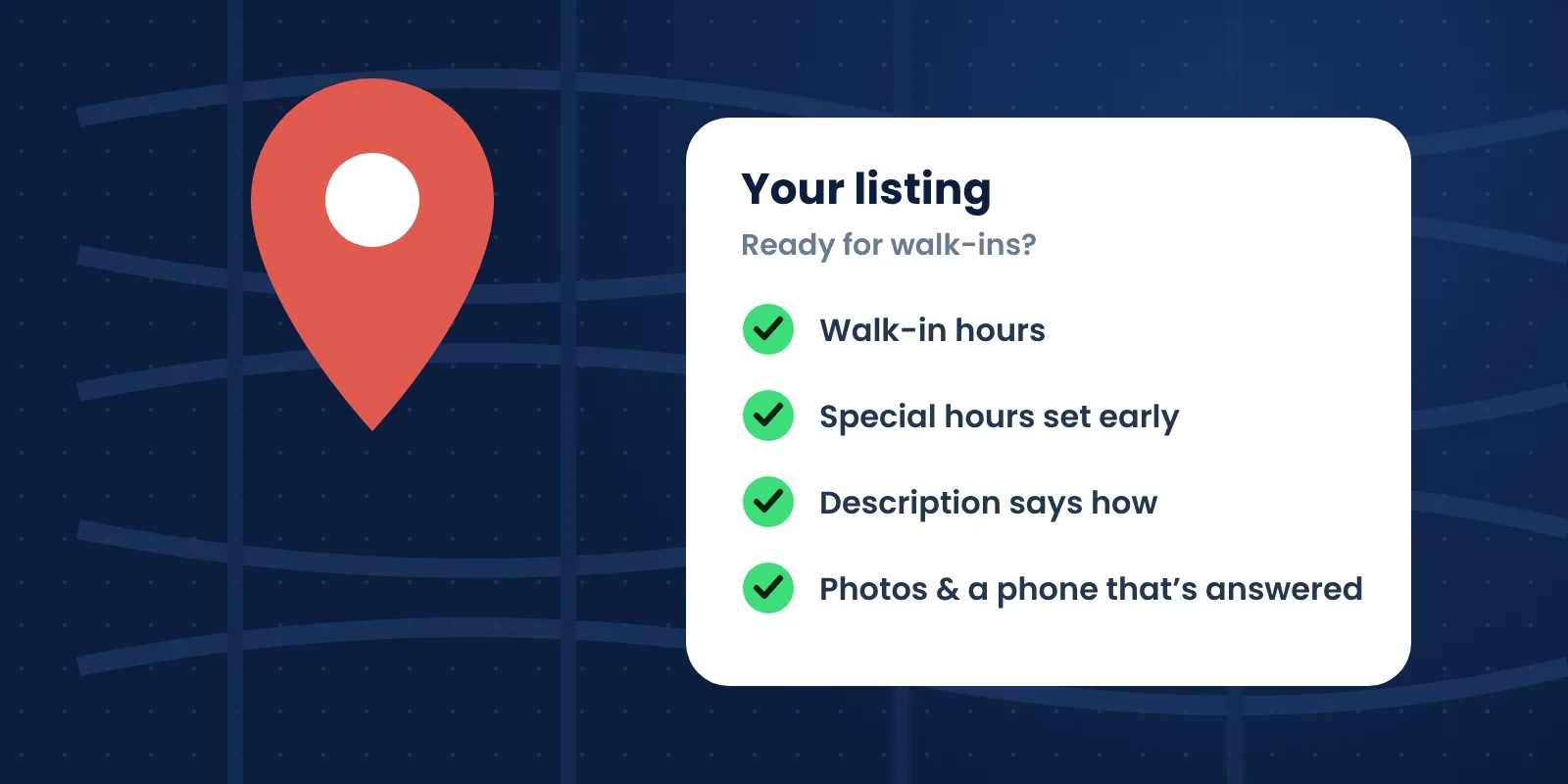
1. Your regular hours are your walk-in hours
Google asks businesses to list their regular customer-facing hours. For a walk-in shop, the useful version of that is the hours you actually take walk-ins, not the hours someone happens to be in the building.
If you stop taking walk-ins 30 minutes before close so the last cut finishes on time, say so. Customers don’t read “Open until 7” as “walk-ins until 6:30.”
2. Special hours are set before the day, not after
Holidays, a staff training morning, a short-staffed Saturday: Google’s special hours cover days like these without touching your regular schedule. According to Google’s help page on special hours, they cover changes of up to 6 days in a row; anything longer goes under “Temporarily closed.”
The catch is timing. Special hours only help if they’re in before customers check. Make it part of the routine: when the schedule changes, the listing changes the same day.
3. “More hours” for anything that runs on its own clock
If part of your business keeps different hours, such as kids’ cuts only on weekday afternoons or a clinic’s walk-in window, Google’s More hours setting lets you show them separately (Google: edit your Business Profile). It keeps your main hours simple and still answers the specific question.
4. Your description says how walk-ins work
Your business description can be up to 750 characters (Google: edit your Business Profile). Most shops spend it on adjectives. Spend a sentence on walk-ins instead:
Walk-ins welcome until 30 minutes before close. Busiest Saturday mornings; weekday afternoons are usually quickest.
Google’s rules don’t allow links, prices or promotions in the description (Google’s guidelines for representing your business), so keep it to plain facts like these. Google puts it simply:
You should be upfront and honest about the information provided
5. Attributes, photos and the phone number
- Attributes: open the attributes section and turn on everything that’s true for you. What’s offered depends on your business category, so look through the whole list.
- Photos: add a clear photo of your front door and sign. A walk-in customer looking for you from the street will thank you.
- Phone: make sure the number is one somebody answers during walk-in hours. If calls go to a voicemail nobody checks, the listing is promising something the shop can’t deliver.
The one thing a listing can’t do
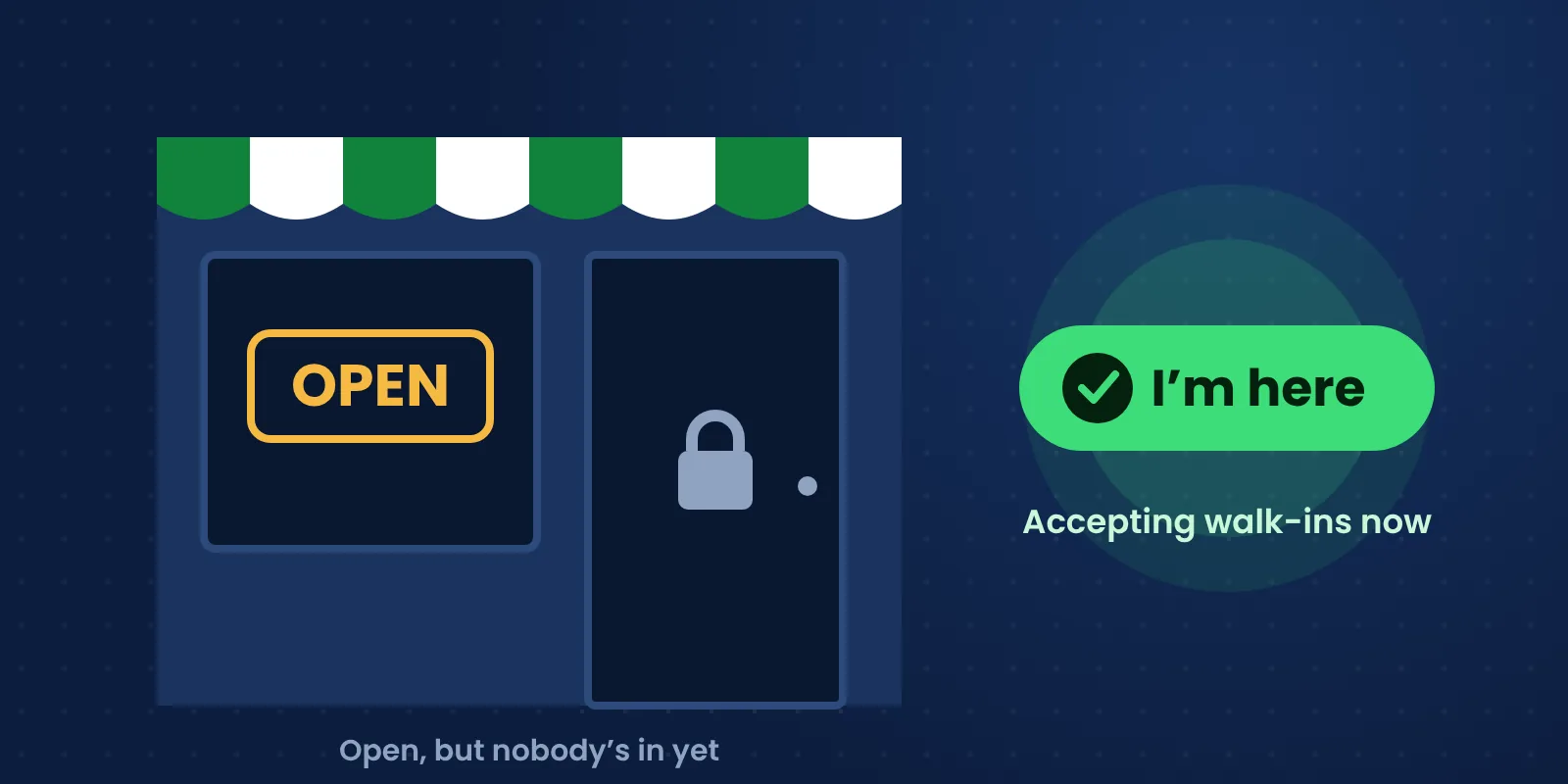
Even a perfect listing answers “when do you plan to be open?” It can’t answer what a walk-in customer actually wants to know: is someone there and taking walk-ins right now? That gap is why we wrote Open isn’t the same as here.
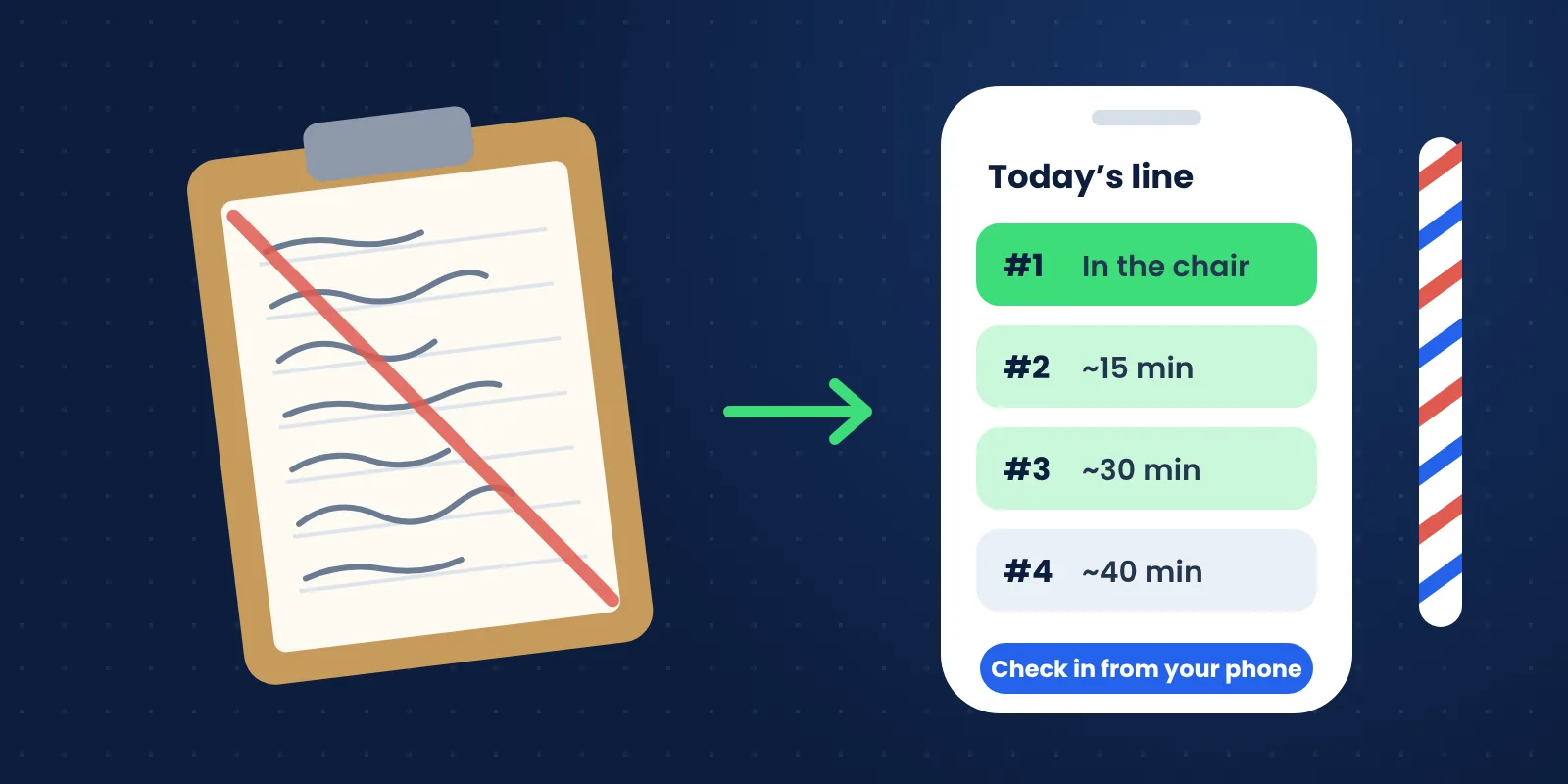
Walk-Ins Welcome closes that gap with a page that shows you as accepting walk-ins only after someone on your team taps “I’m here,” with the estimated wait right underneath.
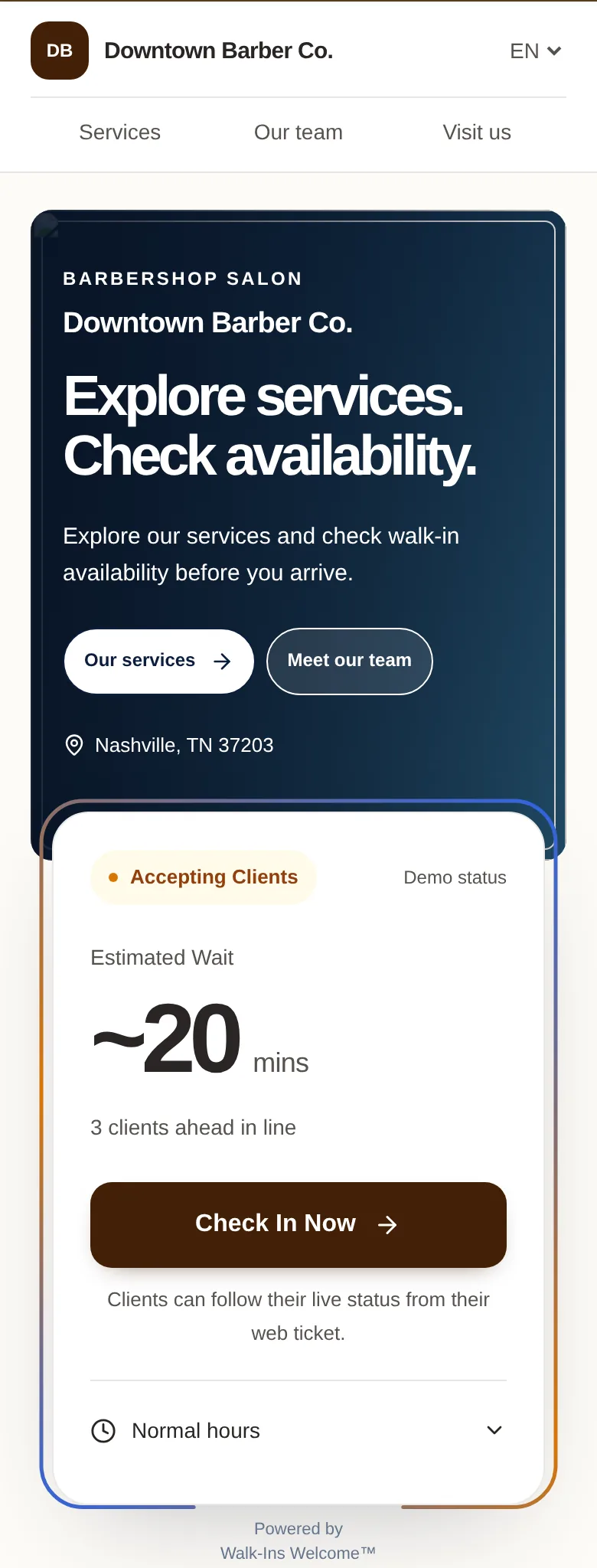
Your Google listing gets them to the door. A live walk-in page tells them whether to come now. Walk-Ins Welcome is coming soon; leave your email below and we’ll tell you the day it opens.