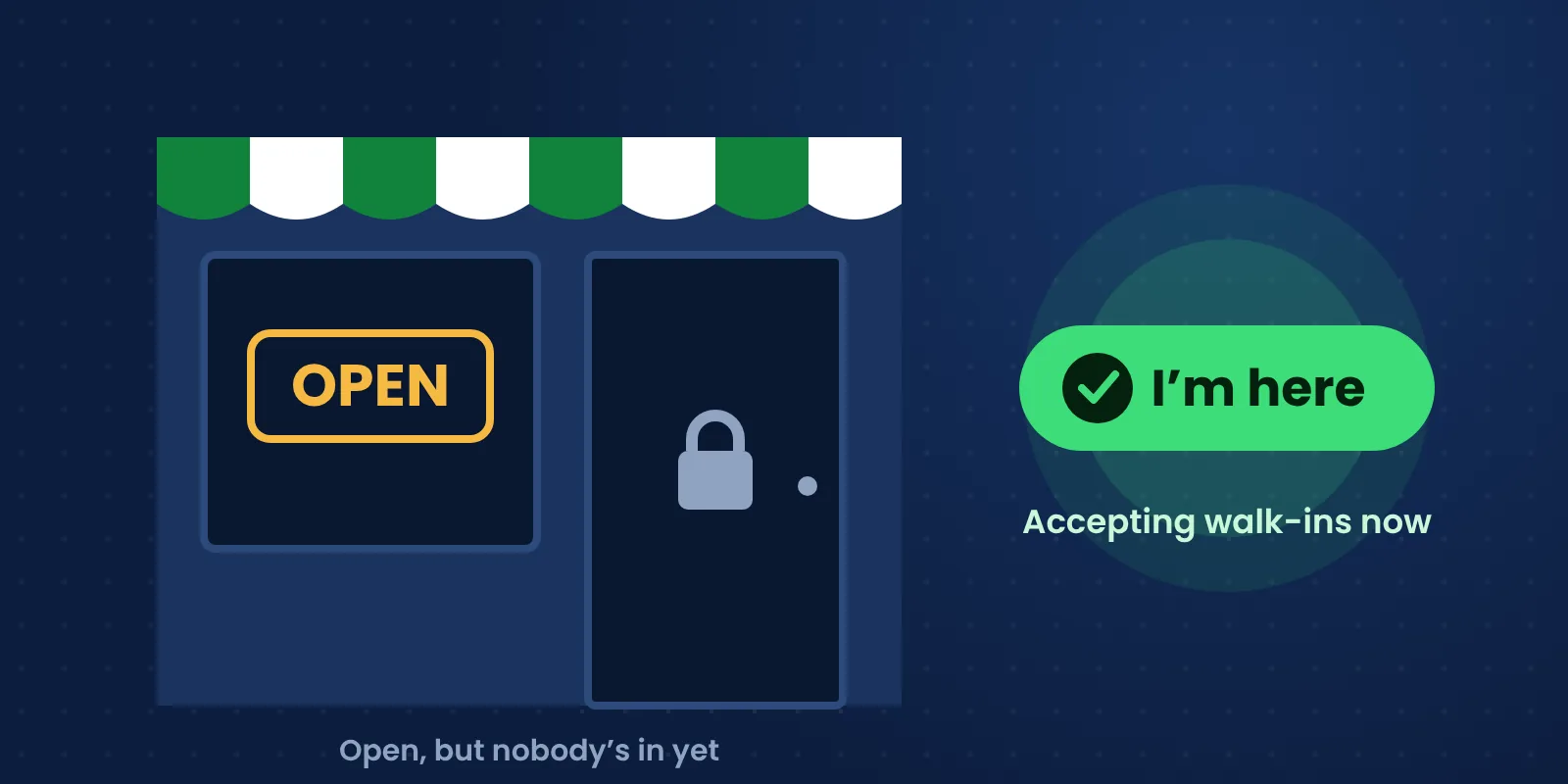
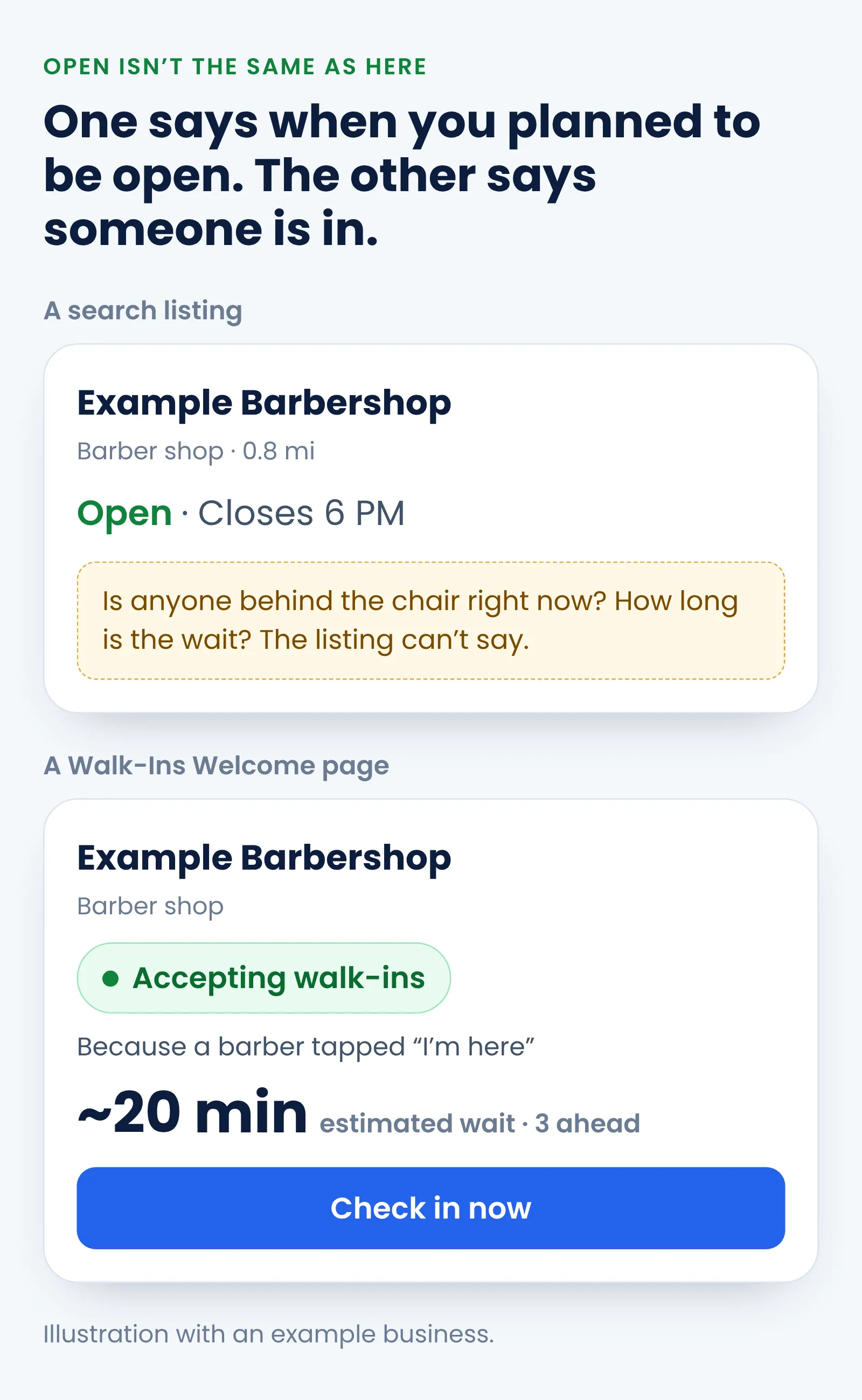
A customer searches for a haircut near them. Google shows your shop with a green “Open” under the name. They grab their keys and drive over.
Your barber called in sick an hour ago. Or the last chair is booked until close. Or nobody has unlocked the door yet. The customer stands outside, checks the sign, and goes to the next shop on the map.
Nothing on Google was wrong. Your hours really are 9 to 6. But the customer wasn’t asking about your hours. They were asking a different question: if I go there right now, will someone take me?
Hours answer the wrong question
For an appointment business, hours are enough. The client already has a time, and the business already knows they’re coming.
Walk-ins work the other way around. The customer decides on the spot, so what they need is the state of your shop right now. Hours can’t give them that. They describe when you could be open, not whether anyone is actually there and taking customers.
That gap shows up on ordinary days, not just bad ones:
- The first person in is running 20 minutes late.
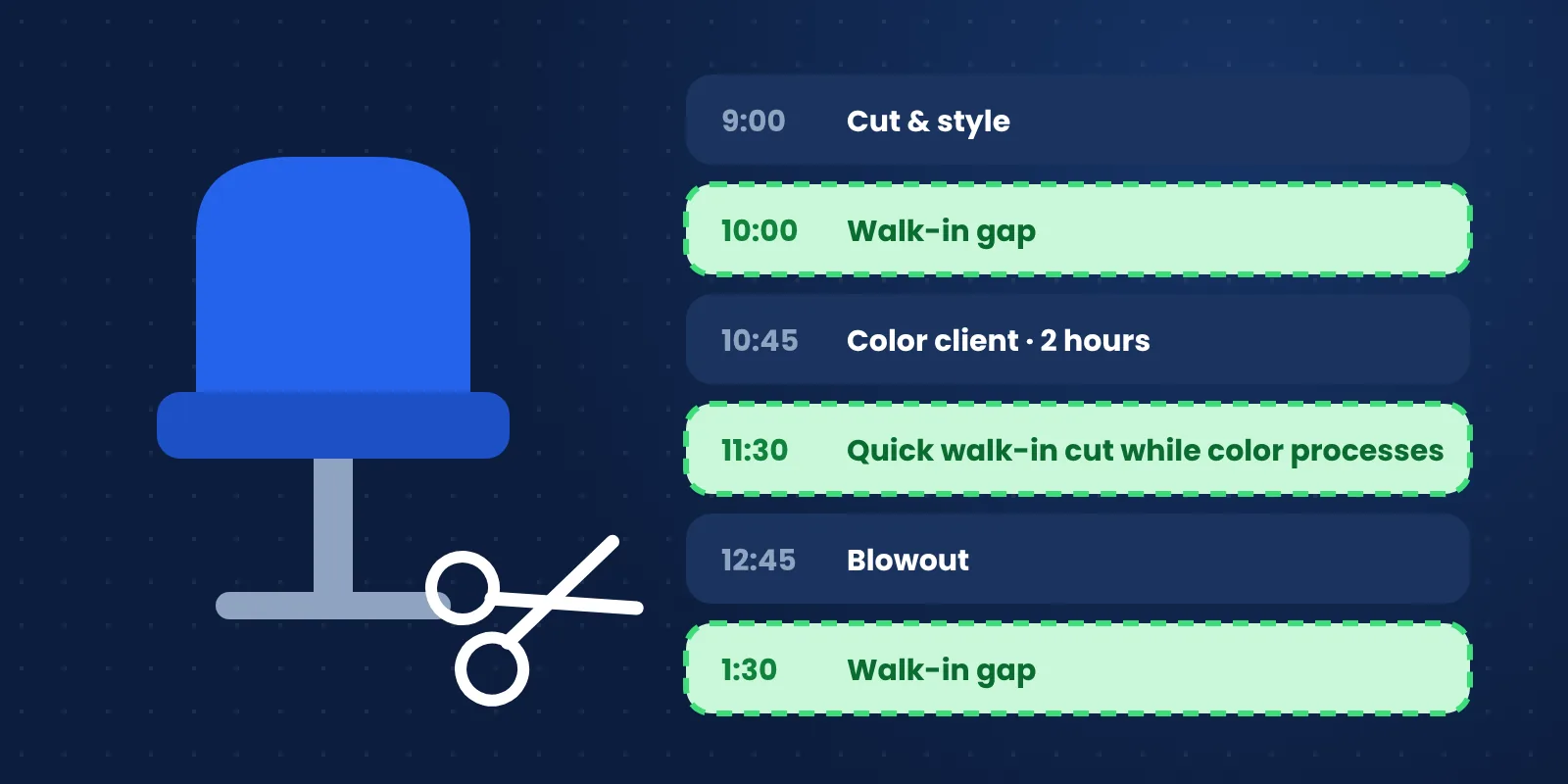
- One of two barbers is out, so the wait doubles.
- You stop taking walk-ins an hour before close so you can finish on time.
- Everyone is booked through lunch.
On every one of those days, your listing still says “Open.”
What Google can and can’t tell your customers
Google gives you a few tools, and they’re worth using. None of them closes the gap. Even Google’s own rules are about the schedule:
Provide your regular customer-facing hours of operation.
- Regular hours show the times you set.
- Special hours cover holidays and one-off changes. According to Google’s help page on special hours, they handle changes of up to 6 days in a row, and longer closures go under “Temporarily closed.” You have to know about the change ahead of time and remember to enter it.
- Popular times and live busyness estimate how crowded a place is. Google explains that these come from anonymized location data from people who have opted in. They can say a place is busier than usual. They can’t say whether your barber is behind the chair.
So even a perfectly kept profile tells customers when you planned to be open and roughly how crowded it tends to get. It never tells them “someone is here and taking walk-ins now.”
What the gap costs you
Every wasted trip is a customer who learned that your “Open” can’t be trusted. Some try again. Many go down the street and stay there.
It costs you inside the shop too. When customers can’t trust the listing, they call: “Are you open? How long is the wait?” Each call pulls someone away from a cut. And a person who drove over to a locked door is the one most likely to leave a review that starts with “Google said open.”
What you can do today
You don’t need new software to make this better. These steps help right away:
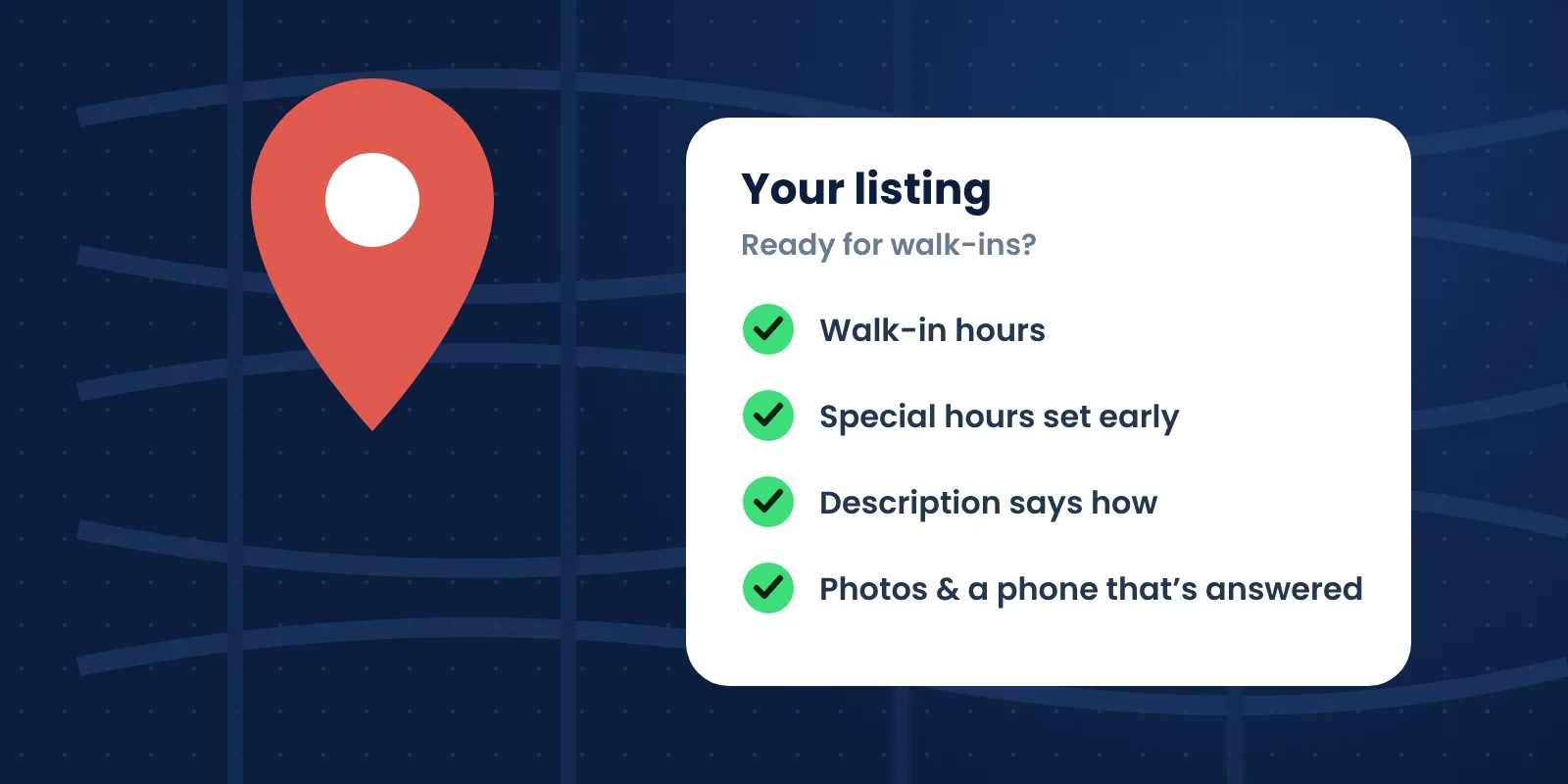
- Put your walk-in cutoff where people look. If walk-ins stop at 5:15, say it on the door and in your Google business description, not only out loud.
- Use special hours the moment you know. A sick day or a private event is exactly what they’re for. Enter it before the morning rush, not after.
- Answer the phone with the wait, not just “yes.” “We’re open, it’s about 40 minutes right now” saves the customer a trip and saves you a frustrated walk-in.
- Post when plans change. A quick Google update or social post on a short-staffed day is better than silence.
All of these depend on someone remembering to do them, and the busiest days are when people forget. That’s the real limit of hours: they’re a schedule. A schedule can’t see who walked in the door.
The better signal: here
What customers actually want is a signal tied to people, not to the clock. Your shop should show it’s taking walk-ins only when someone is actually there and ready to take them, and stop showing it the moment that changes.
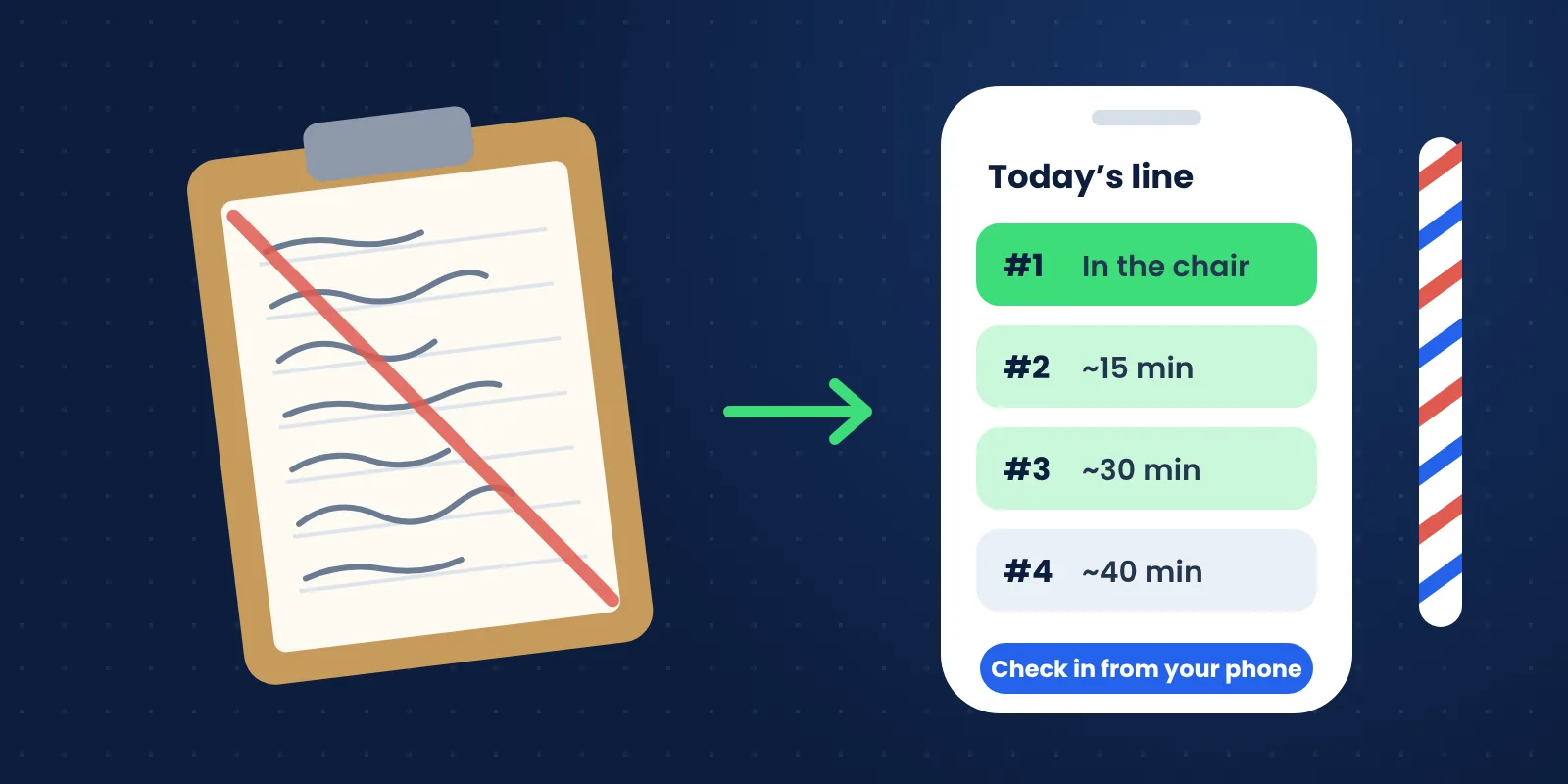
That’s the idea behind Walk-Ins Welcome. A barber or stylist taps “I’m here” on their phone when they’re in and ready. Only then does your shop show as accepting walk-ins, and when that day’s walk-in hours end, it stops by itself. Business hours alone never open your line. Customers check in from their phone’s browser with no app to download, then see their place in line live while they wait wherever they like.
If you run a walk-in shop, we’d love to have you in early. Walk-Ins Welcome is coming soon. Leave your email below and we’ll tell you the day it opens.
More reading: How to run barbershop walk-ins without a clipboard.